Manually detecting chart patterns like triangles, wedges, channels, etc. takes too much time and is therefore not ideal. This is where using an automatic charting tool comes into play. But few people know that there are also free community scripts that can do the job. So you don’t need any expensive premium software.
One of the best such community scripts is Auto Chart Patterns (by Trendoscope).
It is based on two free scripts, one is the wedge and flag finder multi zigzag, and the second is the trendline pairs deep search script.
It is extremely easy to use. Just select any chart on Tradingview, for example BTC/USD, and then go to indicators, then search for “Auto Chart Patterns by Trendoscope” and apply it. This is the free version. The Ultimate version has even more features.
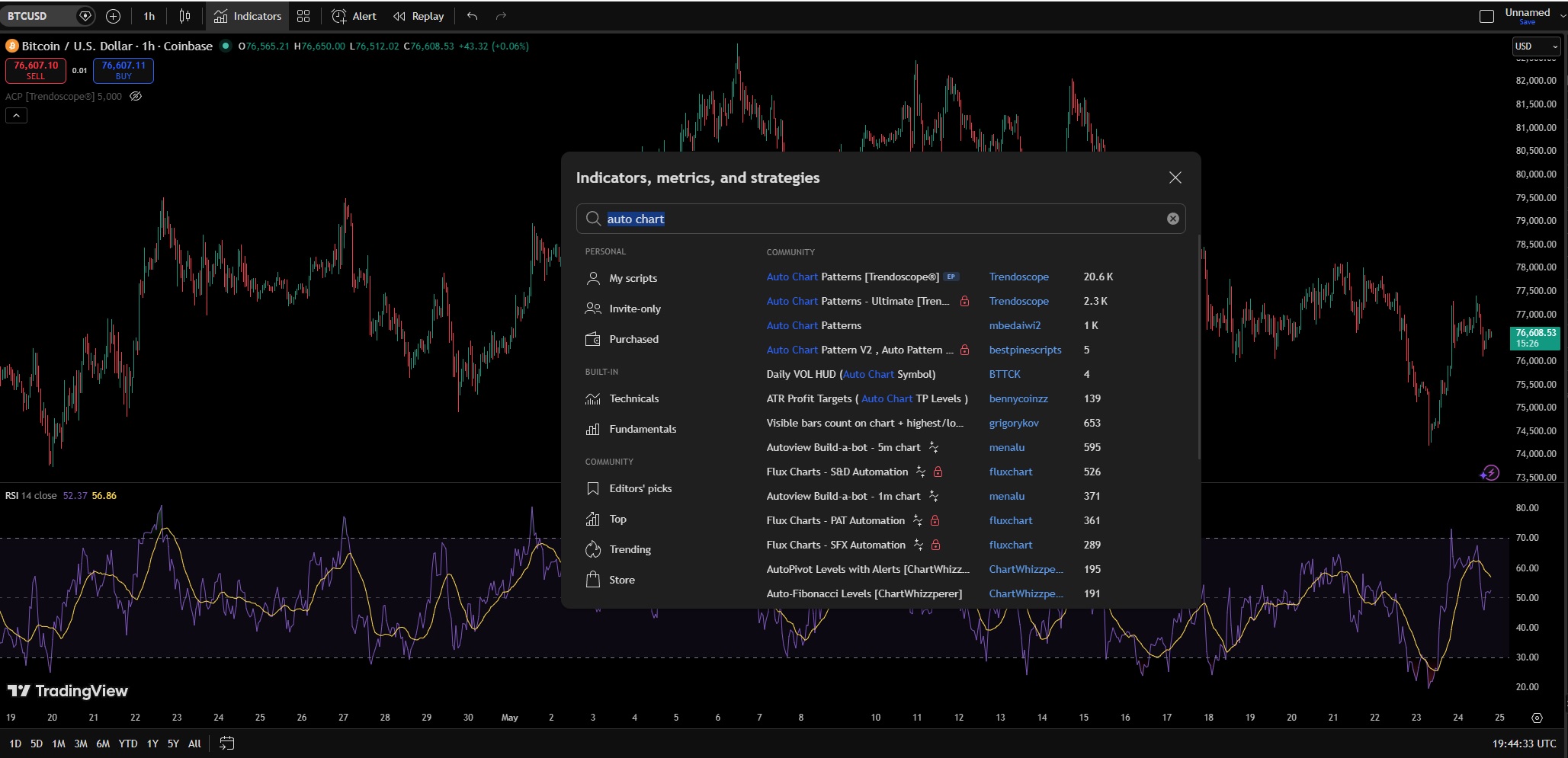
It can find and identify the following charts:
Rising/Falling Wedges
Converging Triangles
Rising/Falling Triangles
Channels
Once you add the indicator to a chart, it will immediately highlight the active chart patterns that are visible on a chart.
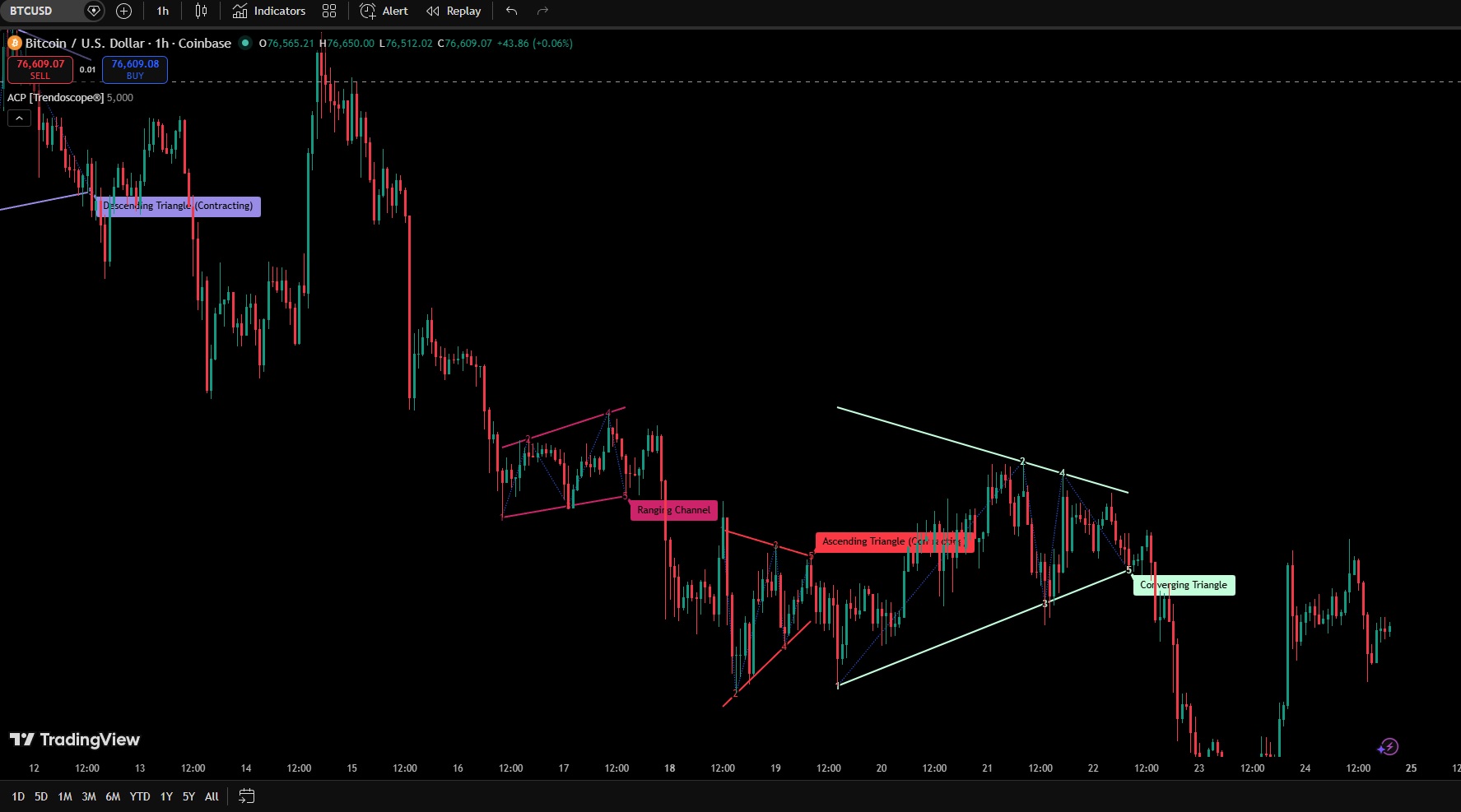
What’s even better is that if you go to the settings, you can choose which chart types you want to highlight. For example, if you only want to trade the Rising Wedge, select Wedge and Rising, and then you will only see that, so the other chart patterns don’t interfere.